





If you’re wanting to get better rankings and more traffic for your website, then you’re probably wondering what Google wants that you’re not doing as well as you could.
It wouldn’t be an SEO article without the classic SEO answer “it depends..”! We don’t know how every aspect of Google’s ranking algorithm works: but we do have lots of advice from Google about what it wants to see from a website.
A short answer for “what’s Google looking for in a website” is: people-first content (rather than content written primarily for search engines), that is accurate, high-quality and original, and is delivered in a way that provides a positive and secure user experience.
But how do you actually deliver that in a way Google understands? That’s what we’ll be taking a look at this week:
First up: key updates in a nutshell
There are too many elements of Google’s ranking systems to discuss in just one blog post, so today we’ll focus primarily on two concepts that have formed a major part of Google’s updates in recent years: Helpful Content and E-E-A-T (Experience, Expertise, Authoritativeness & Trustworthiness).
Between them, these two concepts aim to ensure that the content we see at the top of search is written by people and websites we can trust on that topic, and provides an appropriate answer to the search query.
Another key concept to be aware of is YMYL content, which stands for “Your Money or Your Life”. In order to protect users from potential harm, content relating to ‘your money or your life’ (and websites hosting this content) has higher benchmarks to meet to demonstrate authority and trustworthiness. Examples of YMYL topics or site features include:
- Shopping, including sites which facilitate financial transactions
- Medical, legal or financial advice
- News and current events
- Health and safety information
- Broader topics including health, fitness, housing etc
Essentially, if incorrect information or advice on a given topic could negatively impact a user’s health, finances or safety, then that content is likely to come under the YMYL umbrella.
How can you demonstrate what Google’s looking for?
Whilst it sounds relatively straightforward, delivering content that meets Google’s expectations requires a holistic approach to your website as a whole. The level of work required varies on many factors, including whether a site comes under the YMYL banner, the industry that the business operates in and what current competition is doing.
Here are 9 areas which generally require plenty of work, but done well, can help to put your website in a great position:
1. Look at content topics across the site as a whole
A web page doesn’t rank as a standalone piece of content: Google takes into account the other content on the site that it’s hosted on and how it’s linked in to that content.
Thanks to advances in technology, Google can understand the context of a page without needing to rely on exact match keywords. This means topics now play a much greater role than they have done historically.
If your site has a clearly defined target audience and overall topic, it will be easier to rank a page on that topic well. Sites which post on very varied topics without a clear audience don’t demonstrate expertise in a given area, and they can find it harder to rank well.
Put it into action:
- Review the topics covered by your website. Depending on the scale of your site, this might range from scanning through the page titles to a more in-depth content audit. Most sites will have a broad, overarching topic with numerous subtopics under that. Every piece of content you create should have relevance to your target audience and your business/organisation.
- Audit irrelevant content and make a plan to either remove it or re-work it into something more appropriate for your audience. (If you’re removing content, don’t forget to implement redirects!)
2. Build content pillars
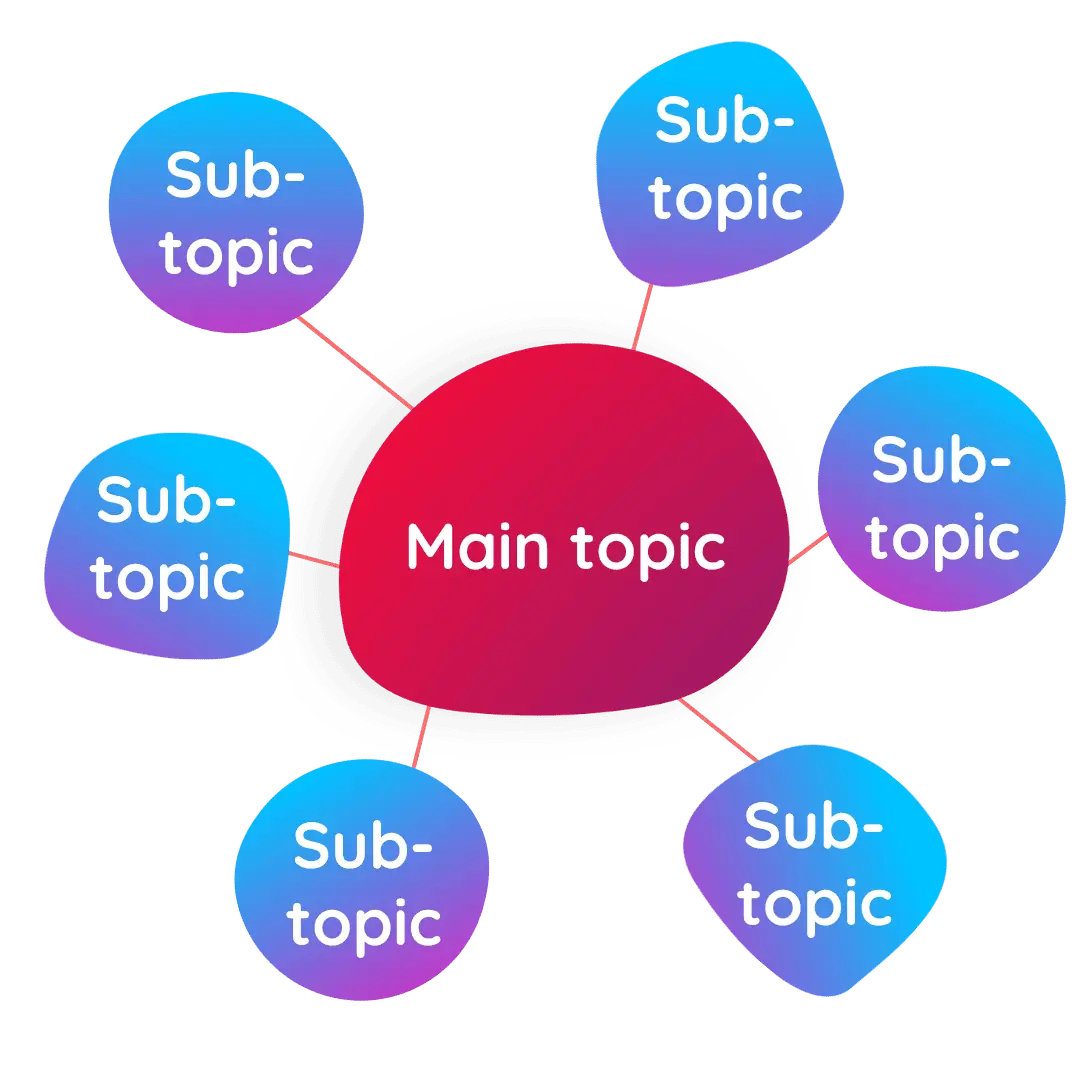
It goes by different names, but the content pillars/hub and spoke model of content creation is popular because it leans into the topical relevance mentioned above. In this model, a key overall ‘pillar’ page interlinks with a number of supporting pages on the same topic.
Generally, the pillar page provides a broader overview of the topic, and these pages are often used to rank for a shorter, more competitive keyword. This overview page is supported by a network of pages which dive into more detail on a niche subtopic, often targeting longer keywords such as questions or specific use cases. Different pages can be created to meet different user intents or stages of the marketing funnel within this model.
The pages are then linked together using relevant internal links, helping users easily navigate to content that’s useful for them – meeting the people-first objective – whilst also helping search engines understand the relationships between the pages.
This is an effective way of creating in-depth content about a given topic – demonstrating experience to Google – whilst ensuring the topic is relevant and useful to a range of users.
Put it into action:
- Select a target topic that you already cover or would like to cover on your website.
- Use tools such as the People Also Ask section on Google search results, AlsoAsked.com, AnswerThePublic, Related Searches (at the bottom of Google search results), along with your customer support queries or pre-purchase questions to list other relevant subtopics or questions to answer.
- Choose the best subtopics to create content for alongside the main pillar page. If possible, try to cover different user intents or stages of the funnel, as this will help you meet a wider variety of needs.
- Use internal links to connect the content – everything needs to link back to the main pillar page, and from the main pillar page you can direct users to supporting content.
3. Use author pages
The dawn of E-E-A-T creates a requirement for sites to demonstrate both that:
The person creating the content has the right level of experience or expertise to create it
The website itself is a trustworthy source of information on that topic
This is critical for any website which includes YMYL content, and important for everyone else too!
Author pages are a great way to demonstrate experience on a particular page. They usually appear as a short bio or as a byline at the start or end of a page, which then links through to a page about that author. This is the opportunity to show that the author has either the qualifications or experience to be regarded as an authority on the topic.
Put it into practice:
Include information about relevant qualifications, experience or education on the author page – for example, a medical or legal writer should be able to demonstrate their knowledge of the subject.
If your author isn’t qualified, get the content reviewed by someone who is and create both an author page. Many websites demonstrate this on the page by having a line such as ‘written by X, medically reviewed by Y’.
Link from the author page to other relevant pages or content across the web which backs up this expertise – for example, if the author has content published on other relevant websites, a listing on a trusted industry page or another professional profile e.g. LinkedIn.
4. Fix thin content
Thin content lacks depth and doesn’t provide a useful experience for users. It’s often created when people are in a rush and trying to get something live for a target keyword, without having the time to create the real in-depth content that would help visitors.
After the Helpful Content Update, if a website has a high percentage of thin or low quality content, the site as a whole will be more difficult to rank. This means that even if a high-quality, in-depth page is created, it won’t rank as well as it should due to the website it’s hosted on.
Put it into action:
Tools such as Screaming Frog or Semrush can quickly highlight pages with a low word count (which is usually indicative of thin content).
Decide whether the topic covered in your thin content is relevant. If so, improve the page by creating in-depth, useful content. If not, remove the content and redirect the URL to the most relevant page.
5. Recognise the importance of customer service
This one’s particularly important for e-commerce websites. Creating clear and detailed customer service information can help to improve customer’s trust in your site and business, and also has an impact on your site’s E-E-A-T signals.
Key information includes:
- A returns policy and information on how the returns process works
- Delivery information, including costs and timescales where possible
- A customer service or complaints policy
- A privacy policy
Put it into action:
- Check what information is already available on your website. If you can’t immediately find the page, search e.g. site:https://yourwebsite ‘returns’ on Google (use your own URL) to see if there’s any indexed content on each topic.
- Look for any additional information or improvements you could make to your customer service content to make it more useful – think about any barriers to purchase you might have as a customer and whether more detail could help resolve these worries. Getting an outside perspective can help to see this more clearly!
- Make sure this information is easy to find – common places to include it are in the footer, as well as links or information on product pages.
6. Be easy to contact!
Another trust signal is whether it’s easy for users to figure out which company or person is behind a website and get in touch with them. This should be an easy one to check or implement as most websites already have a contact page.
If you’re trying to block people from contacting you, consider why and whether there are alternative communication channels you could open up. For example, if you don’t want calls to a personal mobile number, you could set up a VoIP service or use a contact form or email instead.
Put it into action:
- Take a look at which contact methods competitors use – is yours roughly in line or should you be providing better ways for users to get in touch?
- Look for appropriate places to share contact information. Common ones include: a contact page; in the website footer; and in author pages (usually if your site has many authors and users would have a reason to want to contact them).
7. Say something original
Whilst AI can be a helpful tool for some aspects of content creation, it doesn’t provide original insights – and that’s where some websites are coming unstuck. When looking for helpful content, Google is also looking for content that’s got something new to say, rather than just regurgitating a new version of the top results. So when you’re looking at what’s already ranking well for a target keyword, you need to be looking to add something different that’s of value to the user.
“If the content draws on other sources, does it avoid simply copying or rewriting those sources, and instead provide substantial additional value and originality?”
Google Search Central
from 'Creating helpful, reliable, people-first content'
Google Search Central: ‘Creating helpful, reliable, people-first content’
Put it into action:
Original content can come in many forms, such as:
- Including an original quote from an in-house expert or someone in the industry, to offer a fresh perspective on the topic
- Sharing owned data, which could come from case studies, surveys or other research
- Creating your own photos, videos and edited graphics, rather than using stock media
8. Improve your off-page reputation
There’s plenty you can do on your website to help demonstrate trustworthiness – but that won’t count for much if your wider reputation online doesn’t back it up. Google looks at indicators of the website (or brand’s) reputation to judge whether it should be considered a trustworthy source.
Some of these indicators include:
- Customer reviews on platforms such as TrustAdvisor, TripAdvisor, Google Business Profiles and social media profiles
- Customer mentions on forums and social networking sites
- References from news stories
- Company registrations
- The ‘NAP’ profile (Name, Address, Phone number) across directory sites
In some cases, a positive reputation offline will naturally lead to a positive reputation online as customers mention the brand on social media or review sites. But for many smaller businesses, this is something that needs to be actively encouraged in order to start building a trustworthy reputation online.
Put it into action:
- Check what the current sentiment is towards your website by Googling ‘your website/brand name’ -site:https://yourwebsite.com (substitute your own URL and name). This will show up mentions of your brand on the web, other than on your own website. Is the overall sentiment positive or negative? There’s no quick way to fix negative comments (although there are some avenues if they’re untrue)- you’ll need to do the work to fix whatever issue is causing them before working to increase the positive experiences with your brand.
- Look for opportunities to ask for reviews from your customers. This could be by including a link to your review page in email footers, sending out review requests at the end of projects or at key milestones, or printing business cards with a QR code to leave you a review.
- If you’re a local brick and mortar or service provider, look into local SEO opportunities to improve your reputation locally.
- Engage in relevant opportunities to get mentioned elsewhere on the web. This could include guest blogging for a respected industry website, developing a PR strategy, speaking at events or being a guest speaker on other media such as podcasts.
9. Provide a great user experience
You know those annoying pop ups that appear as you’re trying to read something? We don’t like them as users – and Google doesn’t either. Anything which blocks the content that users are trying to access can create a frustrating website experience, and this can play a part in getting a page rated as low quality.
On the positive side of user experience, elements that are now expected as standard include:
- A website that loads quickly
- Responsive design for mobile devices
- A security certificate
These help users quickly access the information that they want, whichever device they’re on – and without security warnings which slow or halt the process and cause a loss of trust for your brand.
Put it into action:
- Visit your website from an incognito or private browser to see what the experience is like for your visitors.
- Run a selection of URLs through speed test tools to check for issues causing pages to load slowly.
- Load the site on a mobile device, and/or use mobile testing tools to check that the page is mobile friendly.
- Use Why No Padlock? To check that all elements of your site are loading over a secure connection, and to pinpoint the reason why if they’re not.
If content is people-first, do I need SEO?
It’s true that Google (as well as many experienced SEOs) keep emphasising the importance of creating content for people rather than search engines. That begs the question, do we actually need SEO?
The short answer is ‘yes’! With hundreds of factors in play, it’s not enough to just create great content. That content needs to perform well within a much bigger ecosystem, and SEO provides the holistic management of a huge range of on-site, off-site and technical ranking factors that play a part.
“SEO is a helpful activity when it’s applied to people-first content.”
Google Search Central
from "What creators should know about Google's August 2022 helpful content update"
Google Search Central: “What creators should know about Google’s August 2022 helpful content update”
Alongside this, SEO can help you to recognise new trends and create content to meet emerging user needs; keep an eye on your competitors and build your business’s authority, alongside many other benefits!
At HeyYou! Digital, we provide an outside perspective and implementation of SEO – from SEO and content audits, through to SEO migrations, strategies and ongoing implementation. Get in touch via hello@heyyou.digital or 0115 990 2779 to have a chat about how we can help.
Want more tips like this?
Sign up to our newsletter for SEO knowledge, updates and ideas every Friday.